Advertisement
Click to download now, finish the installation quickly, and directly unlock the all-round experience
Advertisement
Screenshots
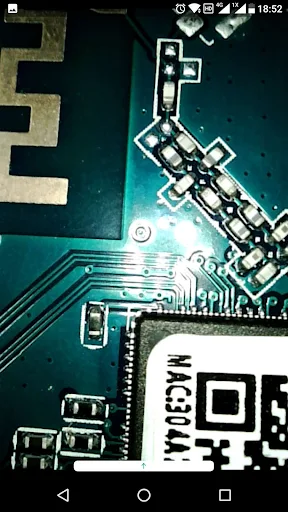
Click to download now, finish the installation quickly, and directly unlock the all-round experience
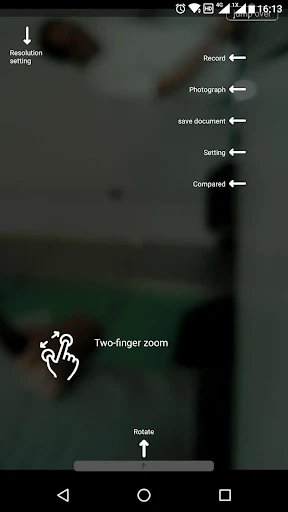
inskam is a companion app for using supported devices with a phone. It can capture photos and video, then lets you preview what you have recorded. It may suit someone who already has an inskam-compatible camera or other supported device and wants to use a phone screen to operate it and check the results. The listing does not describe editing or broader media-management tools, so its purpose appears focused on connection, capture and preview.
The app’s listing flags a specific issue: Android 10 may not recognize a USB camera, and the app may prompt users on that system to get a corresponding version. That warning is worth taking seriously if you plan to connect by USB. inskam also supports Wi-Fi products; its listing explains that location permission is used to read the connected Wi-Fi network name and check whether it is a supported device network. It says this does not mean the app obtains the phone’s location. If either connection method matters to you, confirm that your device and Android version are supported before relying on the app.
inskam is published by app-Tools in the Tools category. It has more than 5 million installs and over 16,000 ratings, so it has reached a substantial audience. Its rating is about 2.9 out of 5, however, which points to a mixed reception rather than consistently smooth experiences. A large install count shows reach, not that the app will work with every camera or phone.
The core use is clear, but the supplied listing details do not establish how actively the app is maintained or how well it works across current devices. Treat compatibility as the deciding factor: this is most relevant to people with a supported inskam device, and less useful as a general camera app. The Android 10 warning and middling rating are practical reasons to check your exact setup before building a workflow around it.