
Advertisement
Click to download now, finish the installation quickly, and directly unlock the all-round experience
Advertisement
Screenshots
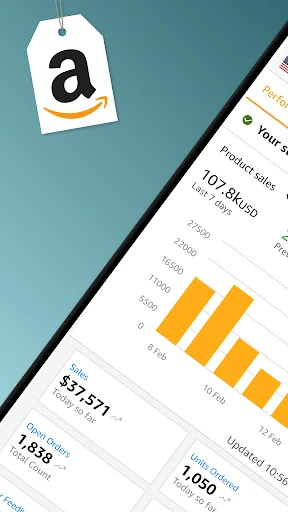
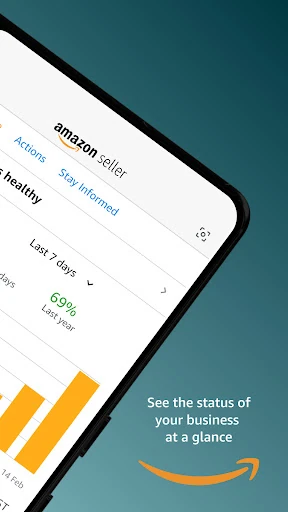
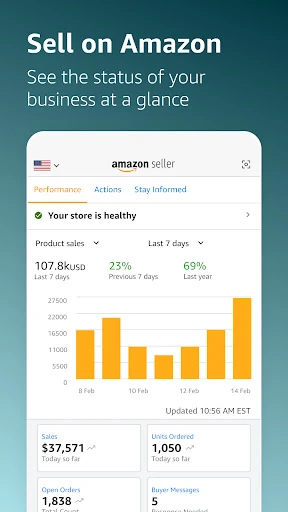
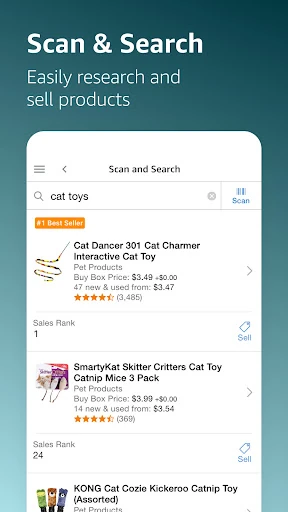
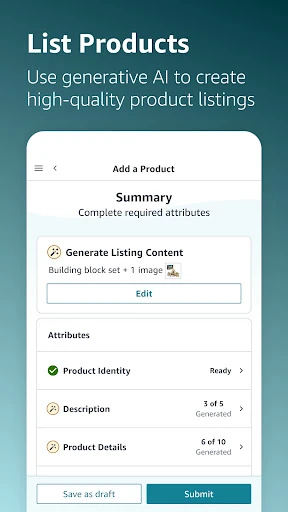
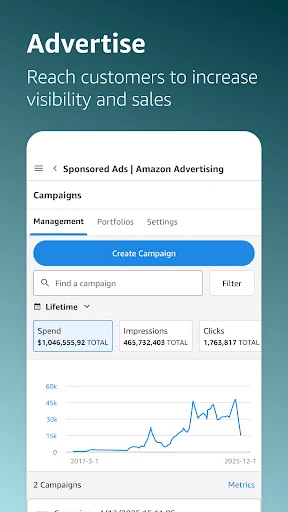
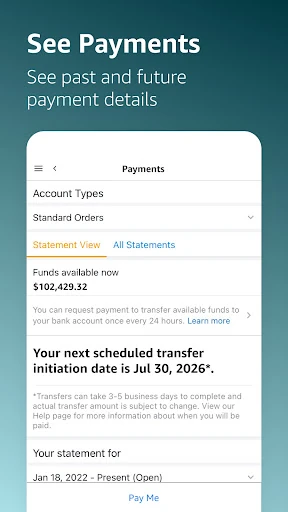
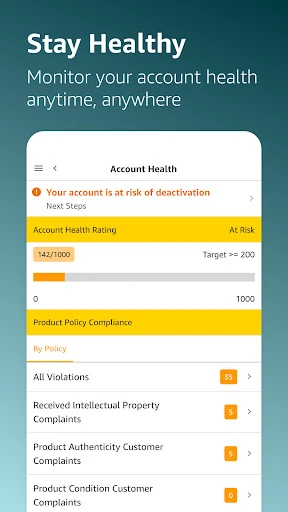
Click to download now, finish the installation quickly, and directly unlock the all-round experience
Amazon Seller is a business app for people who sell products on Amazon. It puts day-to-day account work on a mobile screen: check orders and inventory, review sales, create product listings, and keep an eye on account health. It may suit sellers who need to handle routine tasks away from a computer, as well as those who want a quick view of how their store is doing.
The app brings together several parts of selling rather than focusing on just sales figures. Sellers can inspect product-level sales and traffic trends, adjust inventory and prices, and check Fulfillment by Amazon stock and inbound shipments. Order tools cover shipment confirmation, returns, and refunds. There are also options to look up products with a barcode or visual search, manage sponsored campaigns, reply to customer messages, and contact Seller Support.
That breadth can be useful when a seller wants one place to check operations. It also means the app is tied closely to Amazon’s selling systems; it is not a general-purpose stock, accounting, or online-shop manager.
Amazon Mobile LLC is the named developer. The listing shows 10,000,000+ installs and about a 3.9-star rating from 191,774 ratings. That is a substantial audience and a large body of feedback, though the rating is more measured than an unqualified endorsement. The figures indicate reach and accumulated user response; by themselves, they do not establish how well the app works for a particular seller or account.
This is most relevant to people already managing an Amazon seller account, especially those who need to respond to orders, keep stock information close, or check sales and advertising while out of reach of a desktop. Before relying on it for a workflow, consider which tools your account actually uses: features for listings, fulfilment, campaigns, and returns matter most when they match the way you sell.